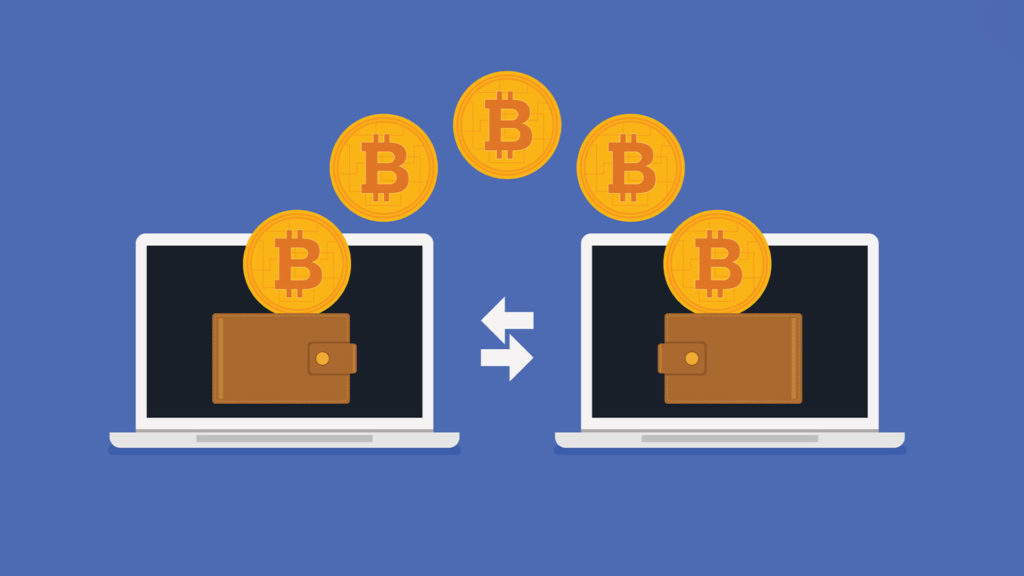
Log into Your Wallet
- Find ‘Deposit’ or ‘Receive’: Look for a button or tab with one of these words.
- Choose the Right Crypto: Pick the type of crypto you want to deposit (Bitcoin, Ethereum, etc.)
- Get Your Address: Your wallet will show you a long string of random numbers and letters. This is like your bank account number for crypto.
- Copy the Address: Make sure to copy the whole thing exactly!
- Go to Where Your Crypto is Stored: This could be another wallet, or an exchange like Coinbase.
- Find ‘Send’ or ‘Withdraw’
- Paste in Your Wallet Address: This is where you’re telling them where to send the crypto.
- Put in the Amount
Double Check Everything!
Make sure the address is right and that you’re sending the right amount.
Hit Send
Things to Know
- It Can Take Time: Sometimes it takes a few minutes (or even longer) for the crypto to show up in your wallet.
- Don’t Mess Up the Address: If you send crypto to the wrong address, it’s gone forever.